Social posts, resolved
Turn social posts into trackable destination links
VidLink helps creators connect Instagram, TikTok, and YouTube accounts, create linked posts with destination URLs, and guide viewers from a shared post to the right final page.
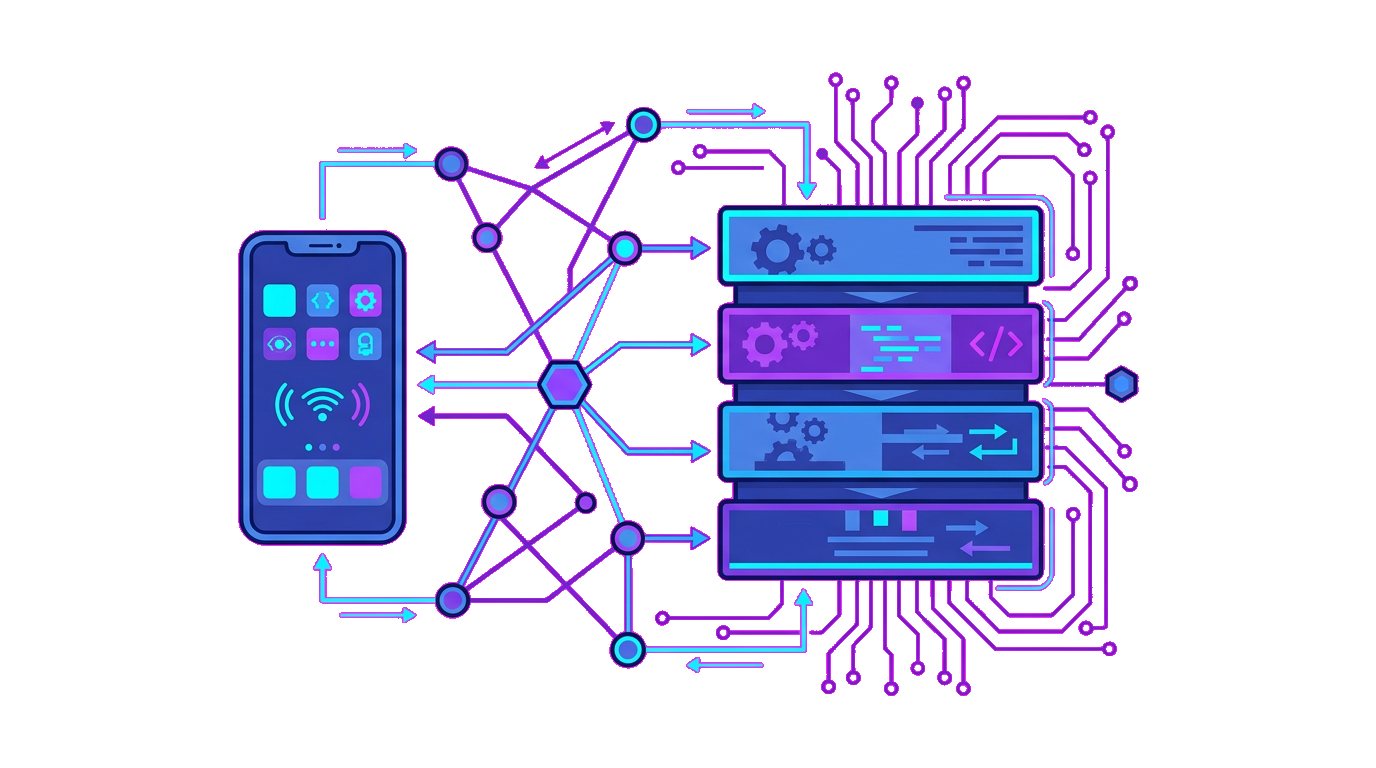
Connect creator accounts
Bring Instagram, TikTok, and YouTube accounts into VidLink so posts can be matched to the right creator.
Create linked posts
Save the social post URL, assign a destination link, and keep campaigns and analytics tied to the post.
Resolve shared links
Viewers share a social post into the app, VidLink finds the matching linked post, and opens the intended destination.
How it works
How VidLink moves a viewer from post to destination
Connect your channels
Creators connect Instagram, TikTok, or YouTube accounts so VidLink can verify ownership before posts go live.
Create a linked post
Each linked post pairs the social URL with a destination page, optional campaign context, and analytics-ready tracking.
Resolve the final link
When a viewer shares the post into VidLink, the app resolves the matching record and sends them to the intended destination.
FAQ
Common questions
The creator and viewer flows are built around Instagram, TikTok, and YouTube posts.
Creators use it to publish linked posts, while viewers use the share flow to resolve the final destination from a social post.
VidLink can record no-match demand so admins can see which shared posts are missing linked destinations.
This web app covers auth, profile defaults, and admin surfaces, while the deeper creator posting flow is already modeled around the mobile product.
Ready to start linking your social posts?
Create your VidLink account to open the creator workspace, complete your profile, and get ready for connected posting flows.